Home / Categories / General
Why can't I change my systeme.io account email myself?
There is no self-serve way to change your account email. systeme.io routes every account email change through a support ticket, where you confirm you own the account, and the change can take a few days to finish.
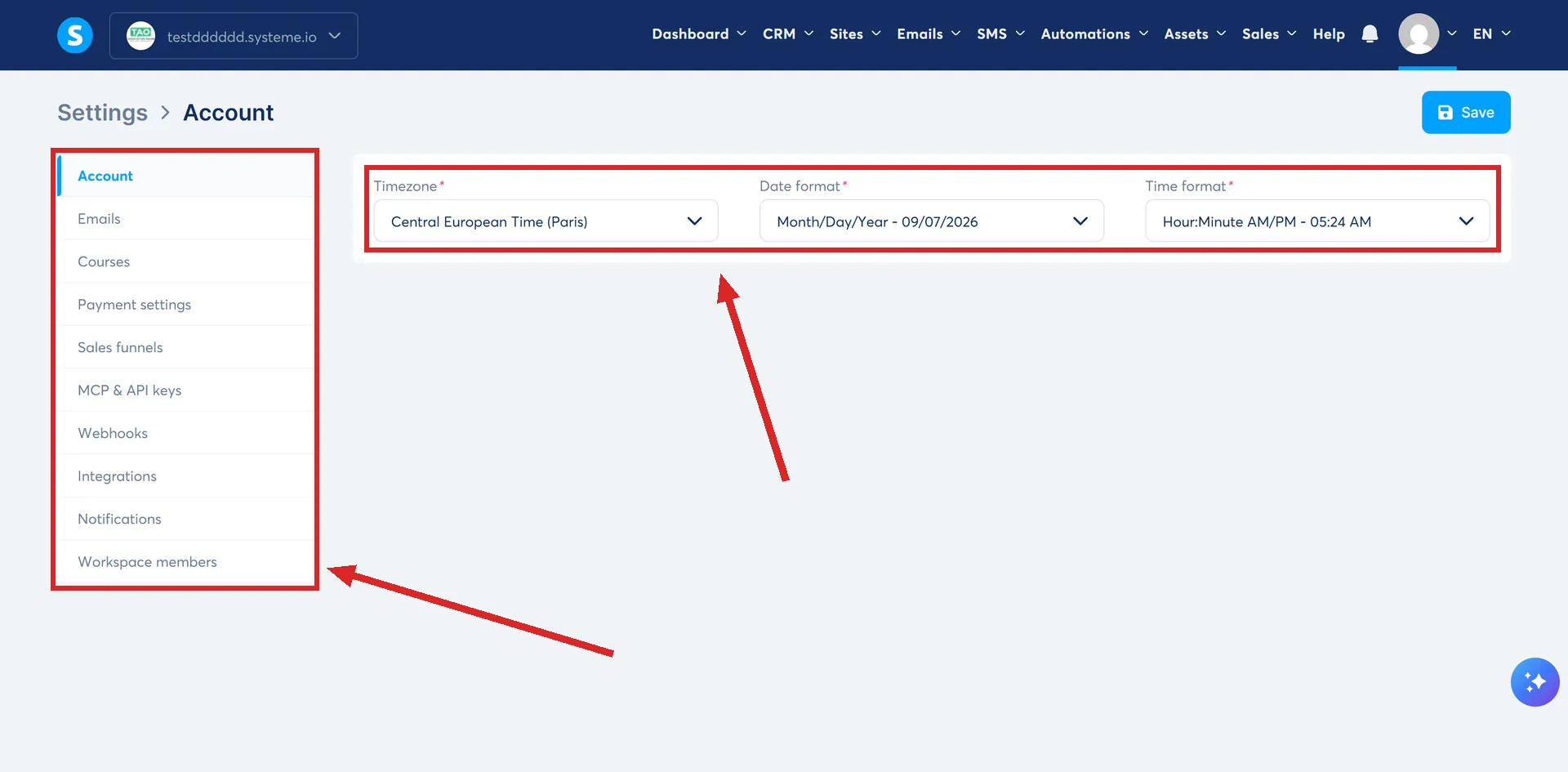
There is no field for it in Settings
The profile picture on that same account updates in a few clicks: profile picture, then Settings, then the pen icon on the image, then Save. The email address used to log in is not handled the same way. systeme.io's own article on changing it offers exactly one route, and no setting is involved anywhere in it.
What the route actually is
Contact systeme.io support and say you want to change the email address on your account. Their article asks you to provide information that verifies your identity and your ownership of the account, though it does not spell out exactly what that information needs to be.
Once support has made the change, you receive a confirmation email. systeme.io's own wording is that the change may take a few days to finish, not that it happens right away.
Three reasons systeme.io gives for wanting to change it
Its article lists three: your personal address changed, your old inbox became too cluttered to manage, or you want to stop mixing a personal address with business activity. None of the three change how the request is handled. All three go through the same support process.
What the article does not say
It does not explain why there is no self-service option, only that the change has to be verified before it happens. It also does not say which address, the old one or the new one, receives the confirmation email, or what happens to a session you are already logged into while the change is being made.
How I checked this answer
Nothing on this site is written from memory. These are the sources I checked to write this answer, and the date I checked them.
- How to change the email address used for your systeme.io accounthelp.systeme.io, article 2485
- How to add a profile picture to your systeme.io accounthelp.systeme.io, article 2009
Checked on
Did this answer your question?
Keep reading
- What can I actually export out of systeme.io? Six real export buttons, and one of them only the account owner is allowed to press.
- Why does my domain show the wrong page when someone types it without a path? The homepage is just whichever item still has an empty path box. Find the other one holding it.
- How does affiliate link tracking actually work? One parameter on the URL, and the moment credit stops moving.