Home / Categories / Editor
What is a master block, and when does it save you hours?
A saved block whose edits apply everywhere it is used. Change one on page A and pages B and C update on their own, which is also why deleting one takes it off every page at once.
Start from the plain version
A block is a grouping of elements and content saved so it can be reused on other pages. Save a section as a block and it becomes available to drop onto any other page.
A master block works the same way, with one difference. Any change made to it is applied automatically to every page where the block is used.
What that means in practice
systeme.io's own example: a master block sits on page A and is reused on pages B and C. Modify an element inside it, the text or a colour, and the change lands on pages A, B and C.
Nothing has to be republished page by page. The block is one thing appearing in three places rather than three copies.
When it saves hours
The saving scales with the number of pages carrying the block. A block used on ten pages turns a ten-page edit into one edit.
A plain saved block does not behave this way. Automatic propagation is the single difference systeme.io states between the two, so anything reused across a lot of pages is where the choice matters.
How one is created
A master block can be created from any element on a page. The documented example uses a page section.
Open the page first: Sites, then Sales funnels, then the funnel, then the page, then Edit page.
-
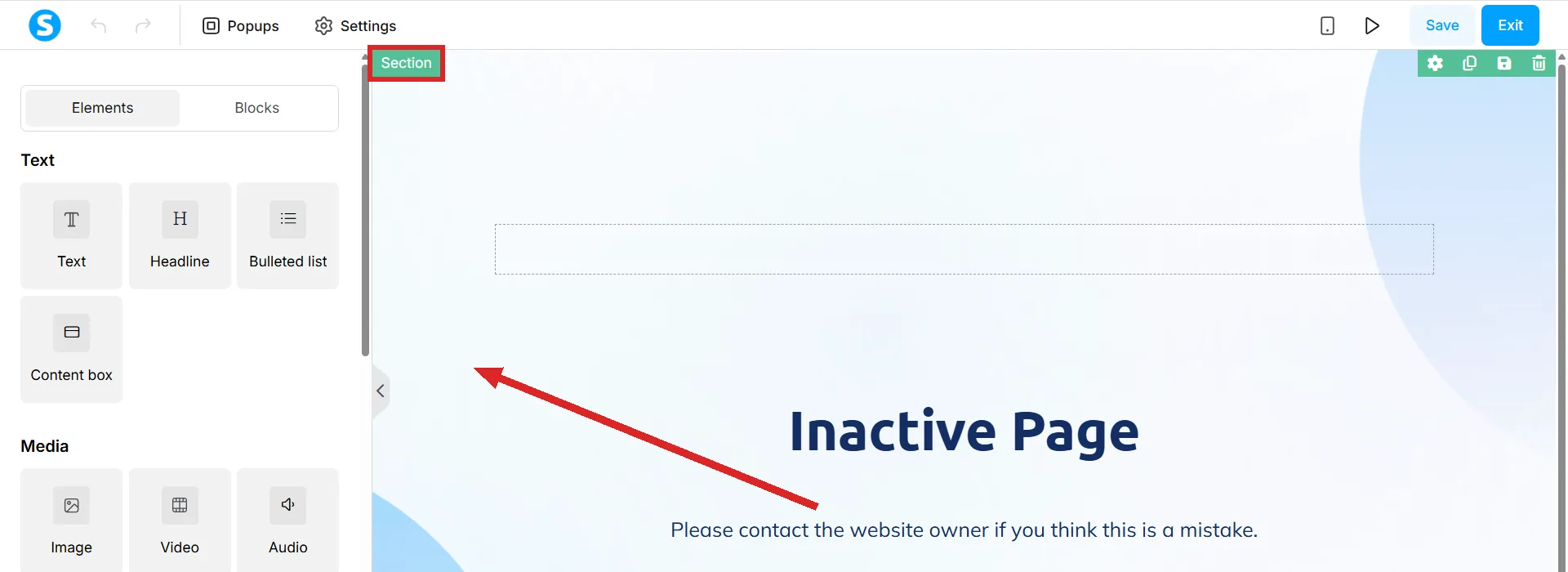
Click the section. Aim for the empty space to the left of its contents, where a green Section tag appears at the top left. Clicking the contents selects a row or the text instead.
-
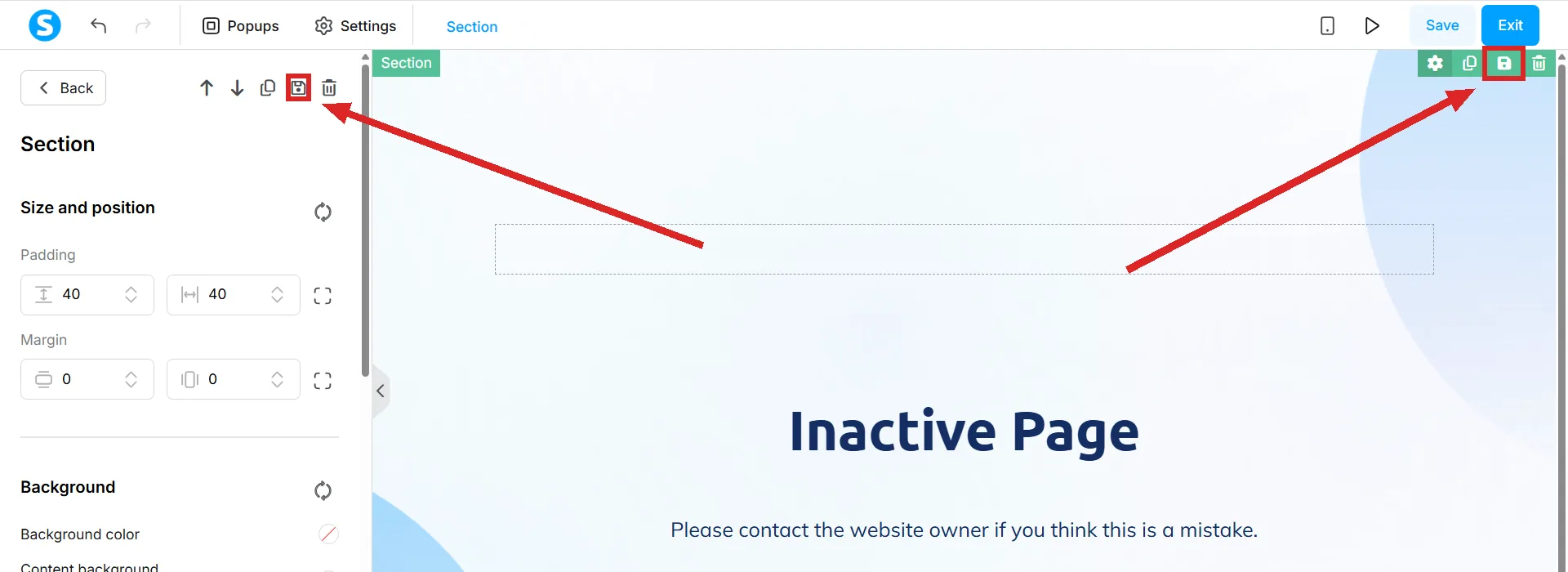
Click the floppy disk icon to save the block. The left panel should now read Section. Two floppy disk icons do the same job: one in the panel's toolbar, and one on the green toolbar at the section's top right.
-
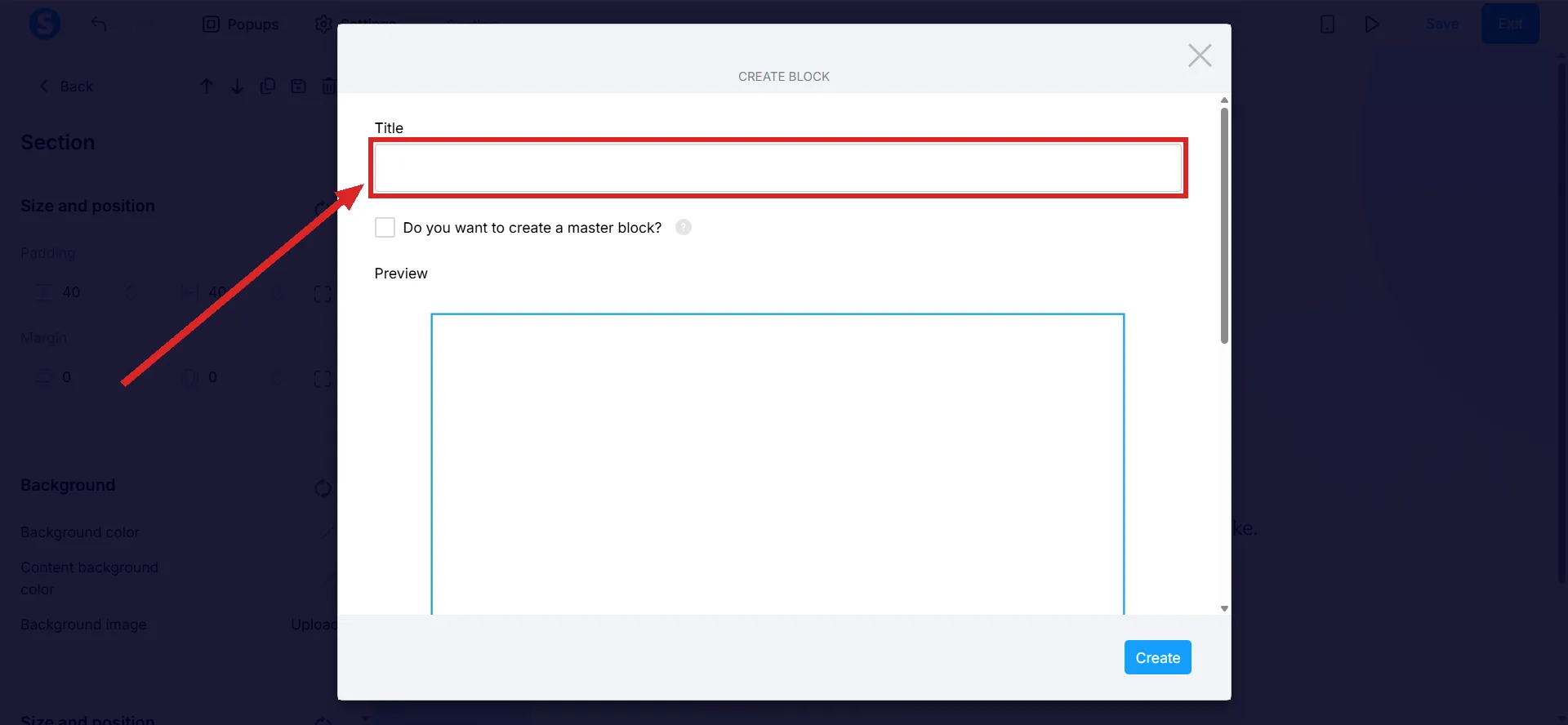
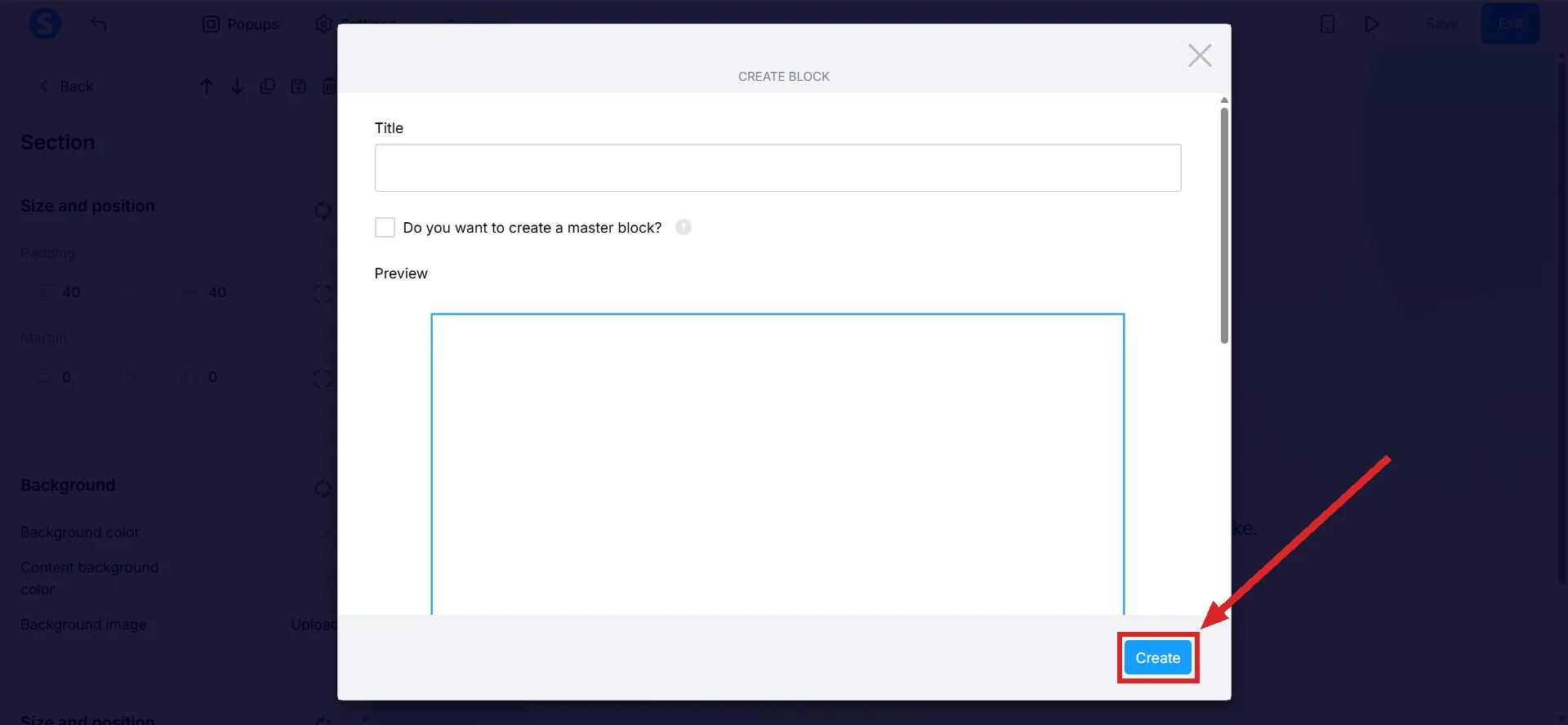
Give the block a title in the popup that appears. The title is the name the block is listed under afterwards.
-
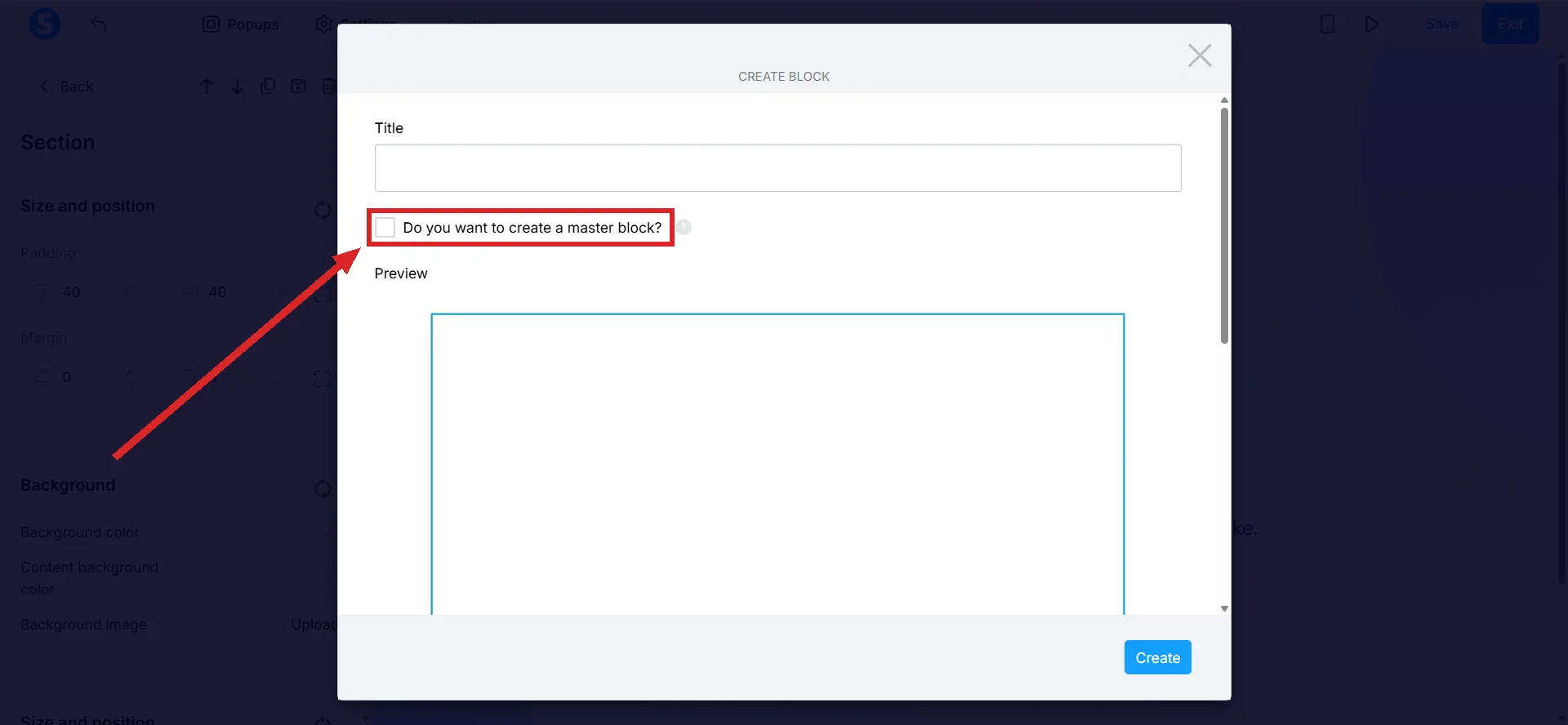
Tick the box labelled "Do you want to create a master block?". Left unticked, the same button saves a plain block instead.
-
Click Create. It is the blue button at the bottom right of the dialog.
A block built from a Row element follows the same steps.
The rule that catches people out
Deleting a master block removes it from every page it was used on. systeme.io marks this as important, and it comes from the same mechanism that makes the feature useful: a change to a master block affects all the pages it sits on, and a deletion is a change.
A master block on twenty pages is twenty pages losing a section at the same moment.
What the documentation does not tell you
The tick box at creation is the only place the documentation tells the two kinds apart. Nothing in systeme.io's three block articles describes turning a saved block into a master block afterwards, or a marker in the Blocks panel that shows which is which.
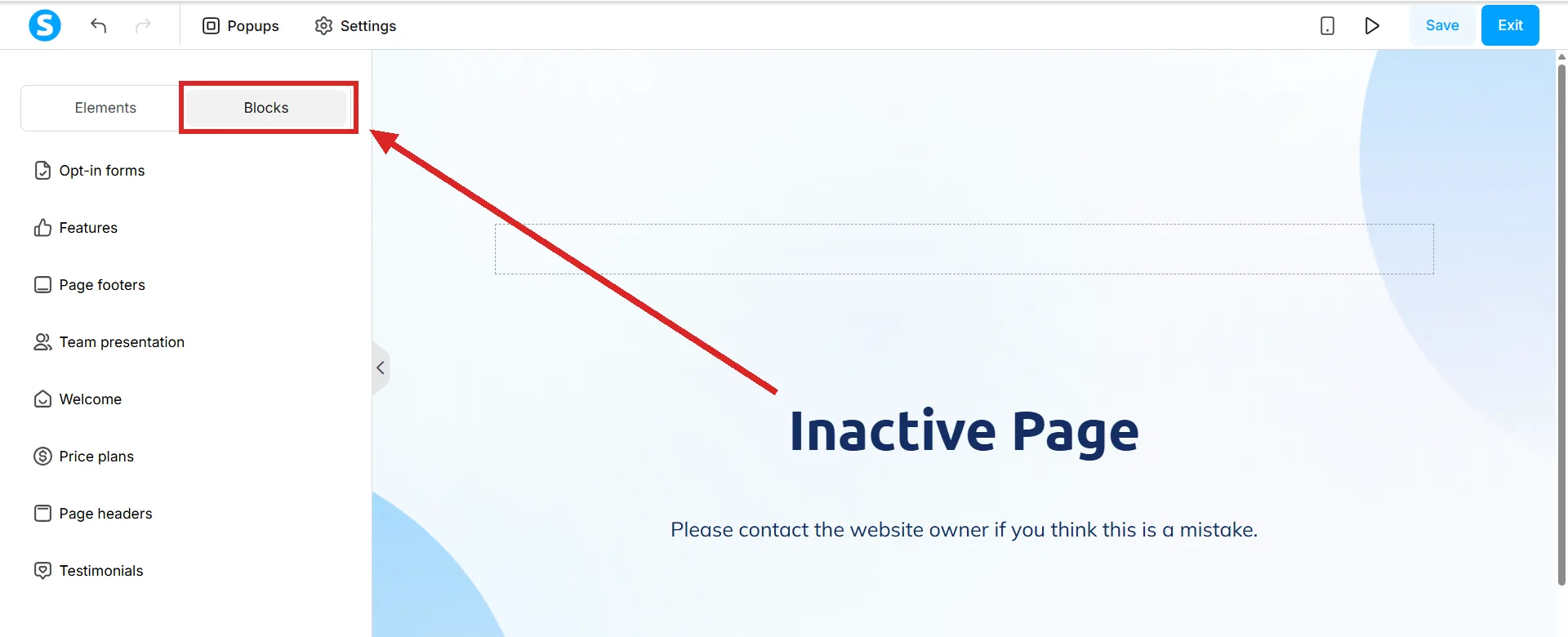
Saved blocks are listed under My blocks by the names given to them at creation, and that name is the one label you control.
How I checked this answer
Nothing on this site is written from memory. These are the sources I checked to write this answer, and the date I checked them.
- How to create a master blockhelp.systeme.io, article 509
- How to save blocks in the editorhelp.systeme.io, article 136
- How to share a block with other accountshelp.systeme.io, article 1663
Checked on
From my own use
I copied and pasted the same footers, headers and call to action boxes across pages for longer than I want to admit. Every time one of them changed, I went round every page again to fix it.
Finding master blocks was a relief. It saved me hours, and it made the whole site simpler to keep in order.
Did this answer your question?
Keep reading
- Why does it say "at least one email input is required"? A button is asking for a form. The page has not got one it recognises.
- What is the SEO section of the editor actually for? Six fields, one of which decides whether the page is allowed into Google at all.
- How many emails can I send on the free plan? Unlimited. Sending is not what the plans are priced on.