Home / Categories / Editor
Block, element, section: what is the difference?
Sections, rows and columns, and elements are the three layers a page is built from, largest first. A block is not a layer at all: it is a grouping you saved so it can be reused on other pages.
The three layers of a page
systeme.io's description is that all web pages are made of three components. They sit inside one another, largest first.
| Layer | What it is | What goes inside it |
|---|---|---|
| Section | The main building block of the page | Rows and columns |
| Row and column | The layout inside a section | Elements |
| Element | Text, image, video, and the rest | Your content |
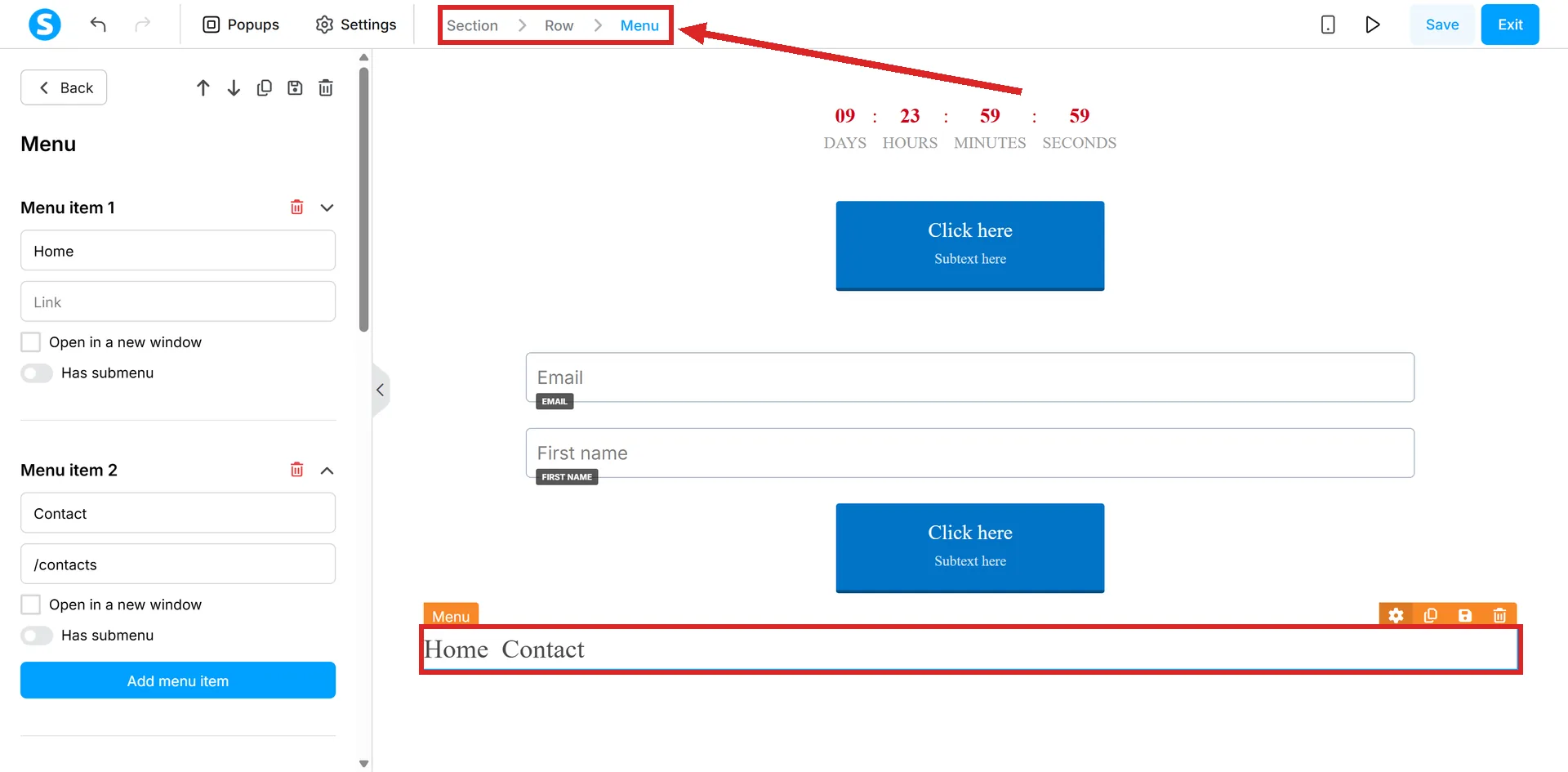
Adding a section brings a row and a column with it automatically. Further columns are added by dragging the Column element into the section.
That stack is also why a page can look right on a laptop and wrong on a phone. Columns sitting side by side across a wide screen have nowhere to go on a narrow one, so systeme.io stacks them vertically instead.
A section has its own settings: background colour, inner background colour, a background image, and the display mode for that image.
An element is anything you drag on
Text, Headline, Bulleted List, Content Box, FAQ and Carousel are all elements. So are image, video and audio. Each one is dragged from the panel on the left of the editor into a column.
Section and Column are dragged from that same panel, which is why the documentation sometimes calls those elements too.
Some elements carry a whole decision inside them. The Countdown element opens a dropdown with four types on it, and which one you pick decides whether the deadline a visitor sees is a real one.
Some elements hold other elements
The tidy three-layer picture has exceptions, and they are normal rather than a fault.
- A Content Box exists to group different elements together.
- An FAQ element has a drop area under each question. Any element can go in it: text, an image, a video, audio.
- A Carousel element holds slides, and rows and columns are used inside a slide to lay several elements out.
A block is not part of that stack
A block is a grouping of elements and content that has been saved so it can be reused on other pages. It is made from something already built, not dragged on from the panel.
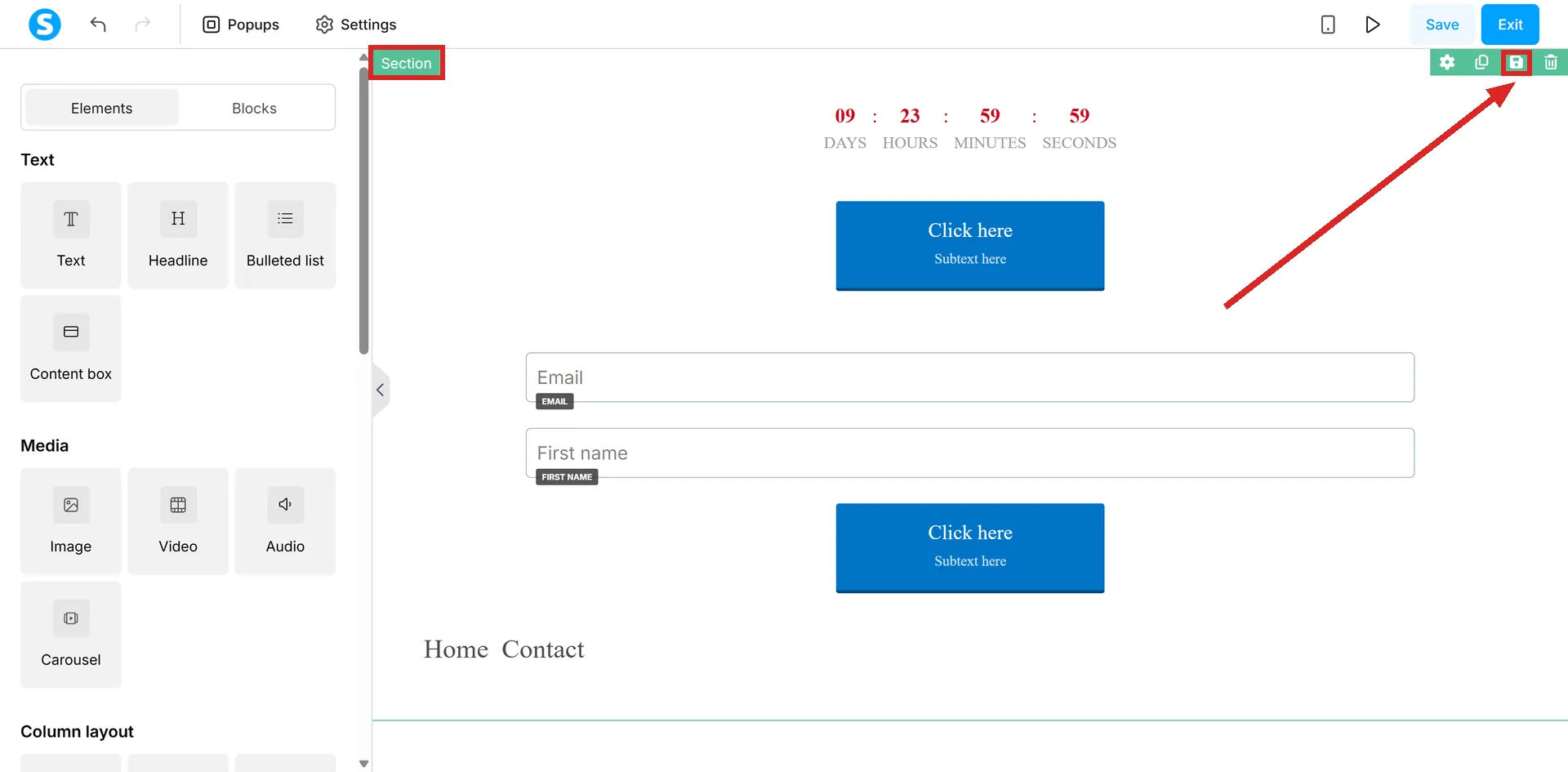
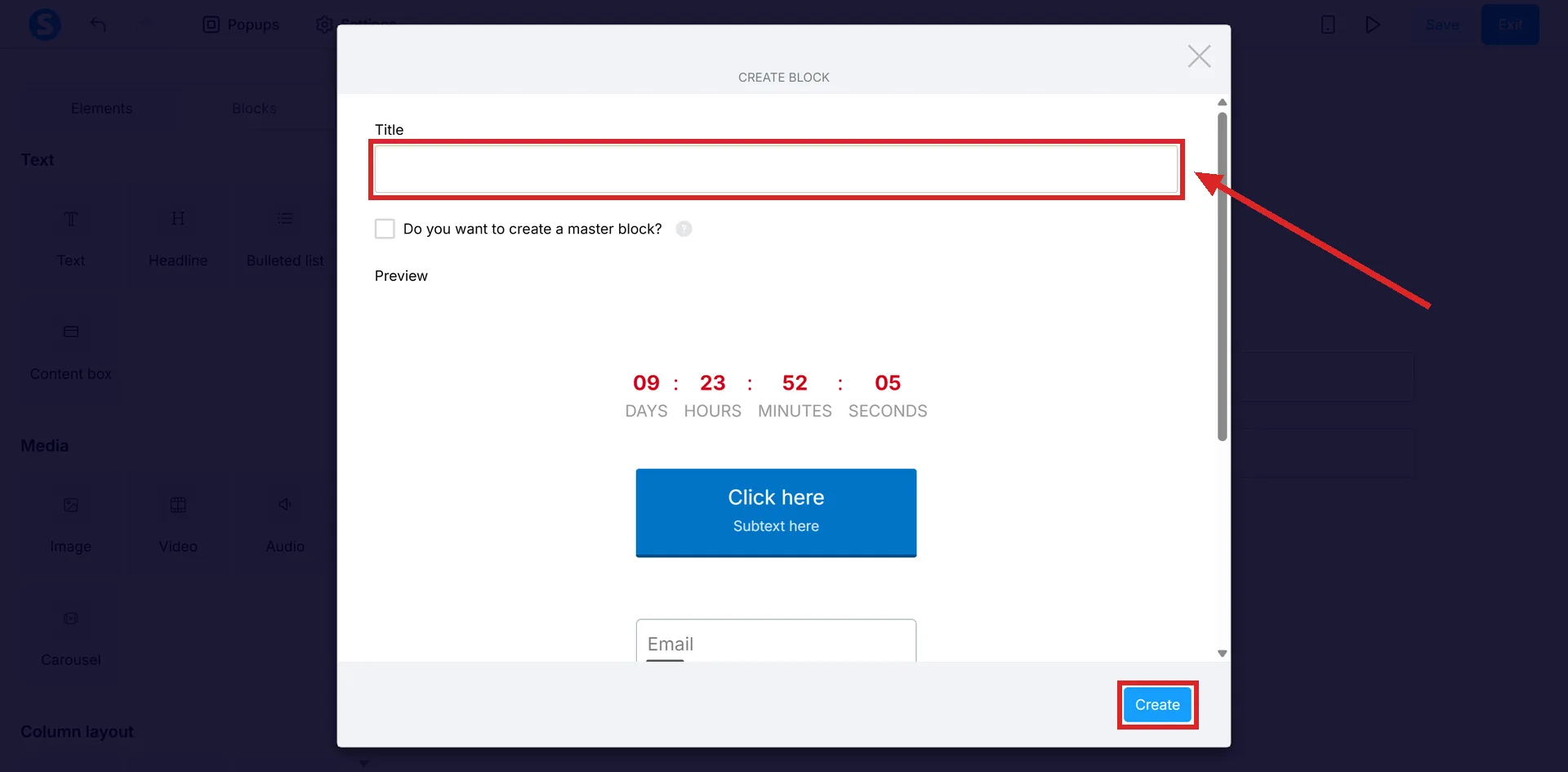
Hover over the section you want, click the floppy disk icon, give the block a name, then click Create.
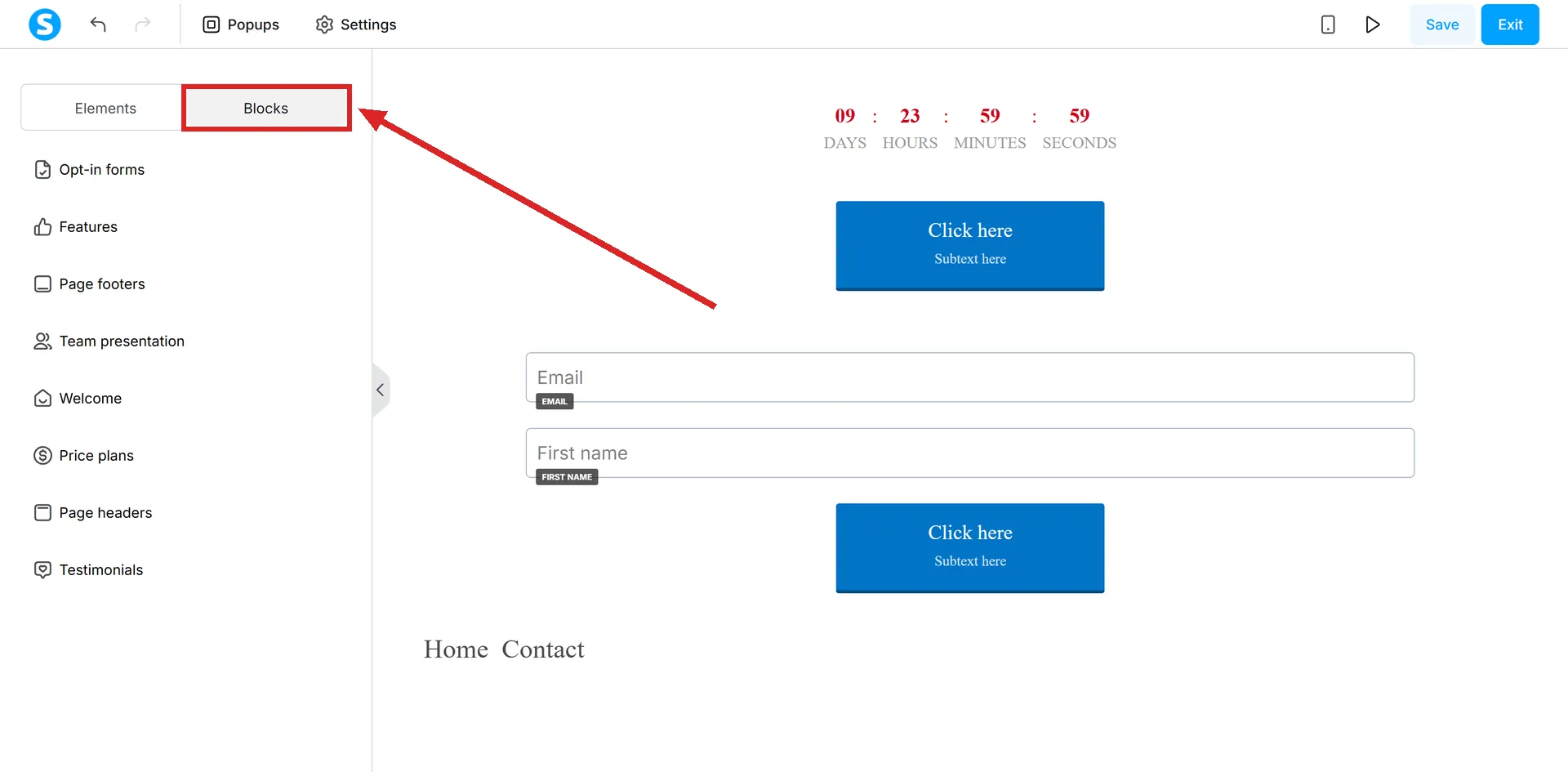
To use it elsewhere, open that page's editor, click Blocks, and drag the saved block onto the page. The editor itself is reached from Sites, then Sales funnels, then the funnel, then the page, then Edit page.
A block can also be handed to another systeme.io account. Under Blocks, then My blocks, a share icon produces a link. The person receiving it logs in, pastes the link into their browser to import the block, and then finds it under My blocks in their own editor.
The share popup carries a Copy link to clipboard button, so what gets sent to the other account is a URL rather than a file.
Where the documentation uses these words loosely
The vocabulary is not applied consistently across the help centre, which is most of the reason this is confusing to look up.
- Section also means a group in the editor's left panel. The article titled "How to use the Text section in the editor" is about the Text, Headline, Bulleted List and Content Box elements, not about page sections.
- Section also means a settings panel. The Search Engine Optimization (SEO) section is a set of six fields inside Settings.
- Section also gets used for one element. The FAQ element is documented under the title "How to add an FAQ section to your page".
- Row and column are treated as the same word. The article that defines the three layers heads the middle one "Row (column)", then says a new section arrives with a row and a column inside it.
The nesting itself stays consistent even when the words do not. When a word looks wrong, work out what is holding what.
How I checked this answer
Nothing on this site is written from memory. These are the sources I checked to write this answer, and the date I checked them.
- How to create a custom page using systeme.iohelp.systeme.io, article 168
- How to use the "Text" section in the editorhelp.systeme.io, article 335
- How to save blocks in the editorhelp.systeme.io, article 136
- How to share a block with other accountshelp.systeme.io, article 1663
- How to add an FAQ section to your pagehelp.systeme.io, article 1600
- How to use the carousel elementhelp.systeme.io, article 1399
- What is the "Search Engine Optimization (SEO)" section for?help.systeme.io, article 510
Checked on
From my own use
Learning the difference made organising and editing pages much simpler for me. Working at the section level, I can move or change a whole block of rows and text in one go instead of editing each element on its own.
Did this answer your question?
Keep reading
- What is a master block, and when does it save you hours? A saved block that changes on every page at once, including the pages you forgot about.
- Why does it say "at least one email input is required"? A button is asking for a form. The page has not got one it recognises.
- What is the difference between a campaign and a newsletter? One goes out on a timer. The other goes out when you press send.